
How you get the GAG game items
Grow a Garden Game Item Delivery Tutorial
This tutorial explains how we will deliver game items to you in a secure and straightforward manner. Follow these steps to receive your items:
Step 1: Add Game Friend
Please note that we store specific types of goods in different delivery accounts.
The specific types are:Racoons / Butterflys / Dragonflys /Megas/Kitsunes- UgShop1@bailangxz123
Mimic octopus / T-Rex / Fennec Fox - UgShop3@Wilson_Zeng
Queen bee / Disco bee / - UgShop4@sheila00601
Sheckles - UgShop8
Game Pass type products - UgShop9
We will also add your friends.
After you place an order, you will receive a friend request from our delivery account.
Alternatively, you can proactively add our trader's in-game friend account. Our official game ID will be provided in the confirmation email sent by our system after you place your order.
Step 2: Enter Game Map
Coordinate with us to select a specific game map and server for the transaction.
Join the designated map at the agreed-upon time.
Ensure you are online and in the correct location for a smooth meeting.
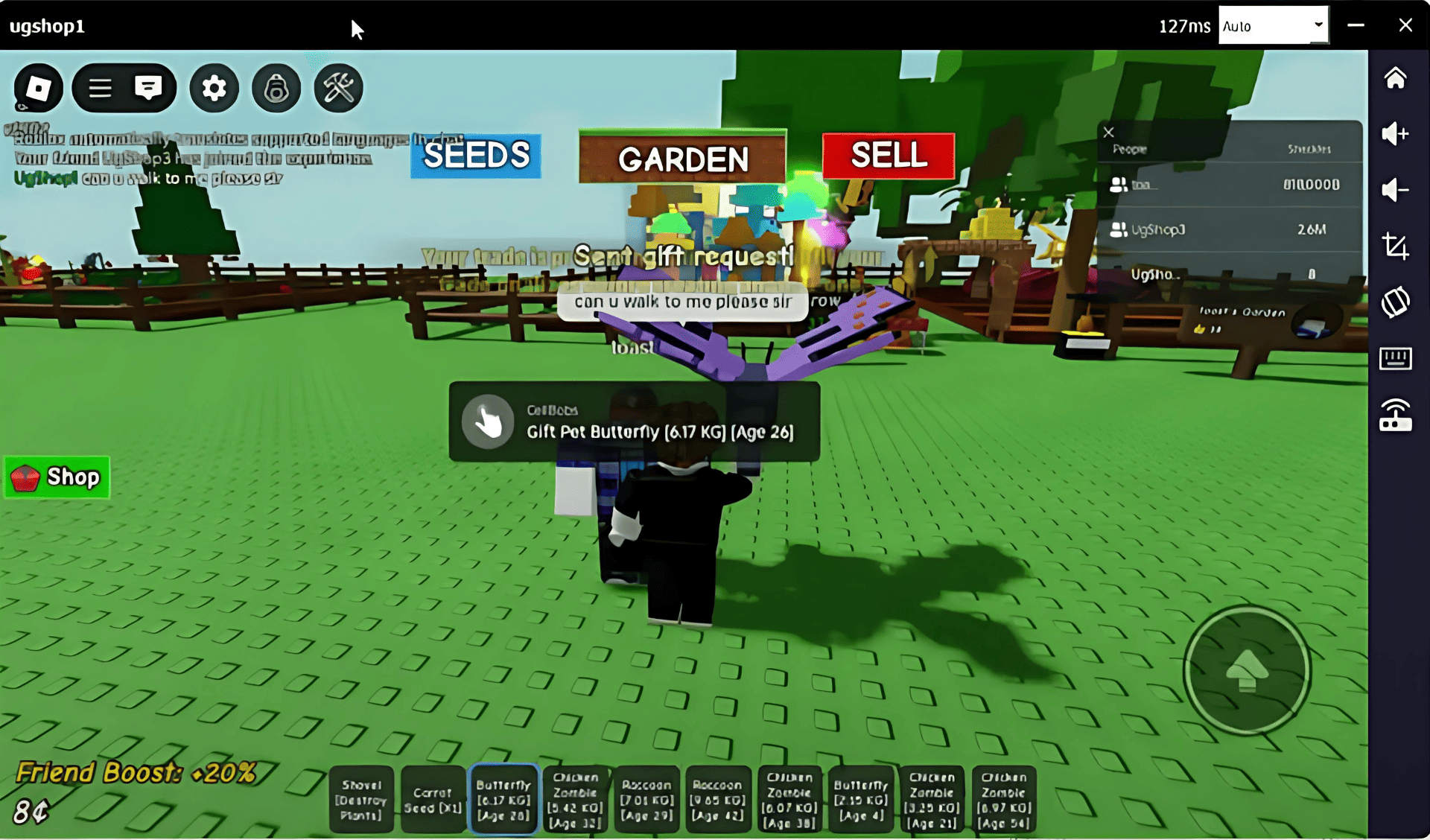
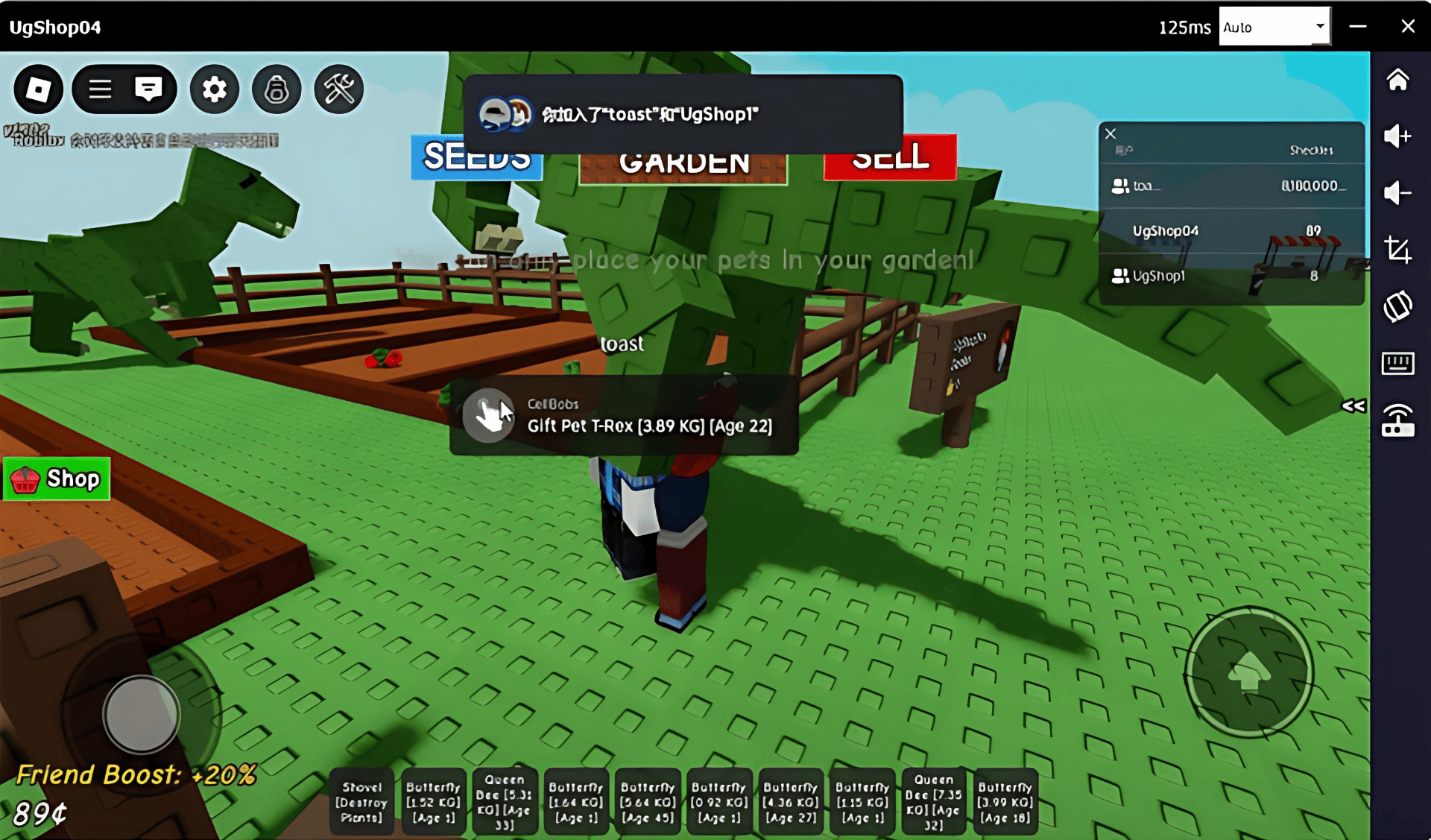
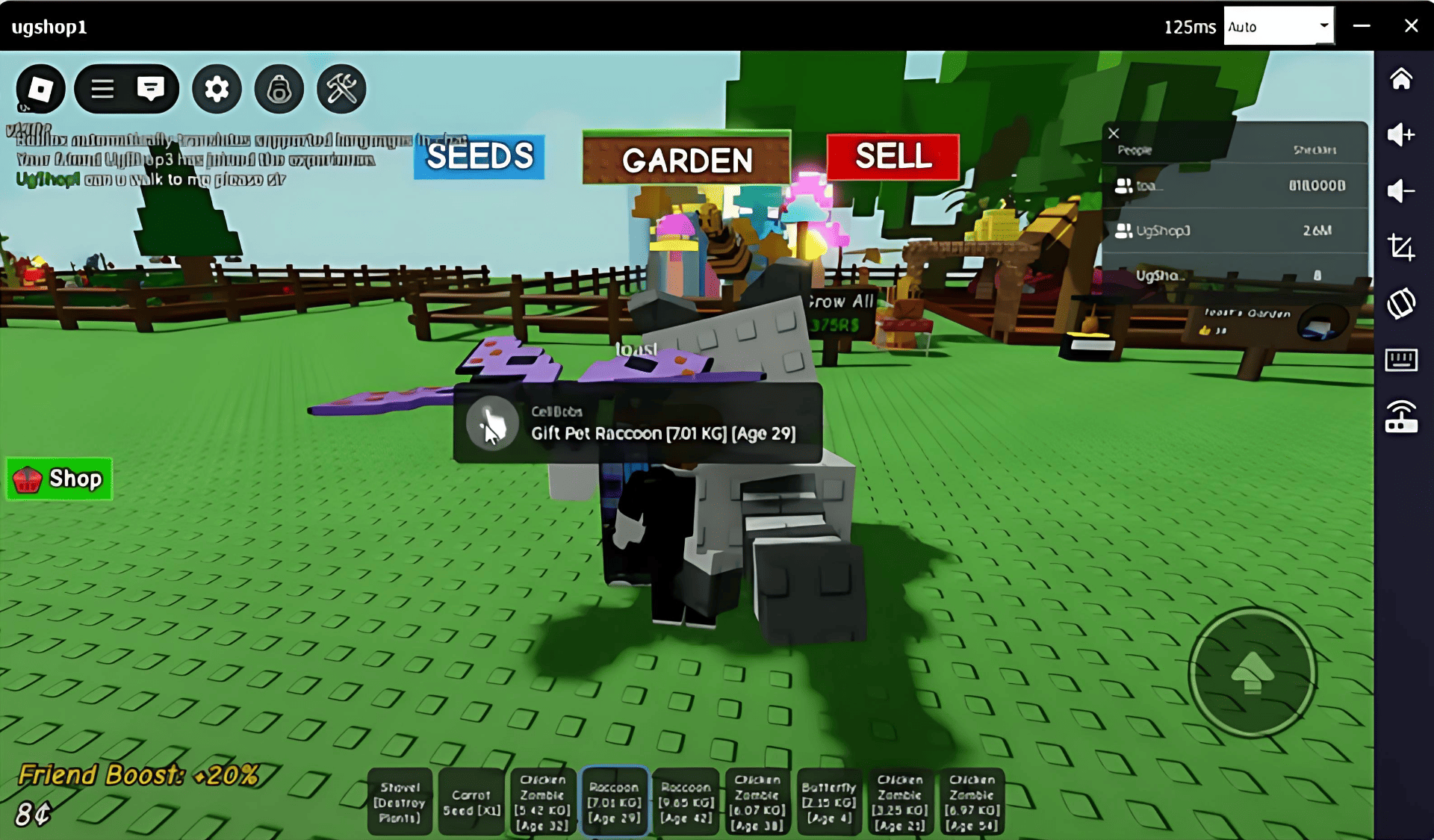
Step 3: Face-to-Face Trade
Locate our character on the map (we will share our exact location or in-game coordinates).
Approach our character to initiate the trade.
We will use the game's built-in gifting or trading system to securely transfer the items to you.
Confirm receipt of the items in your inventory before ending the transaction.
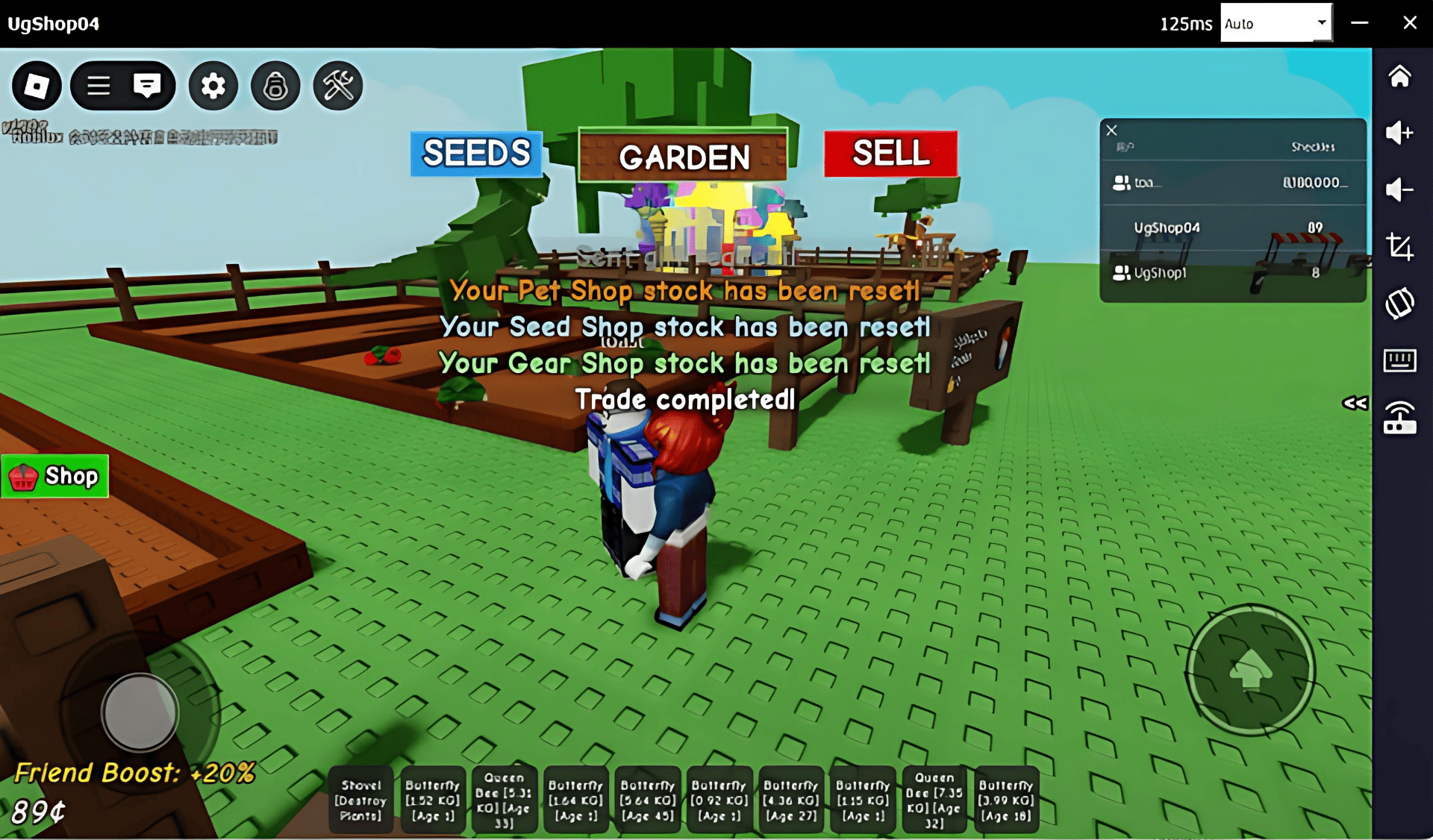
Thank you for choosing our service! If you have any questions or issues during the process, please contact us for assistance.